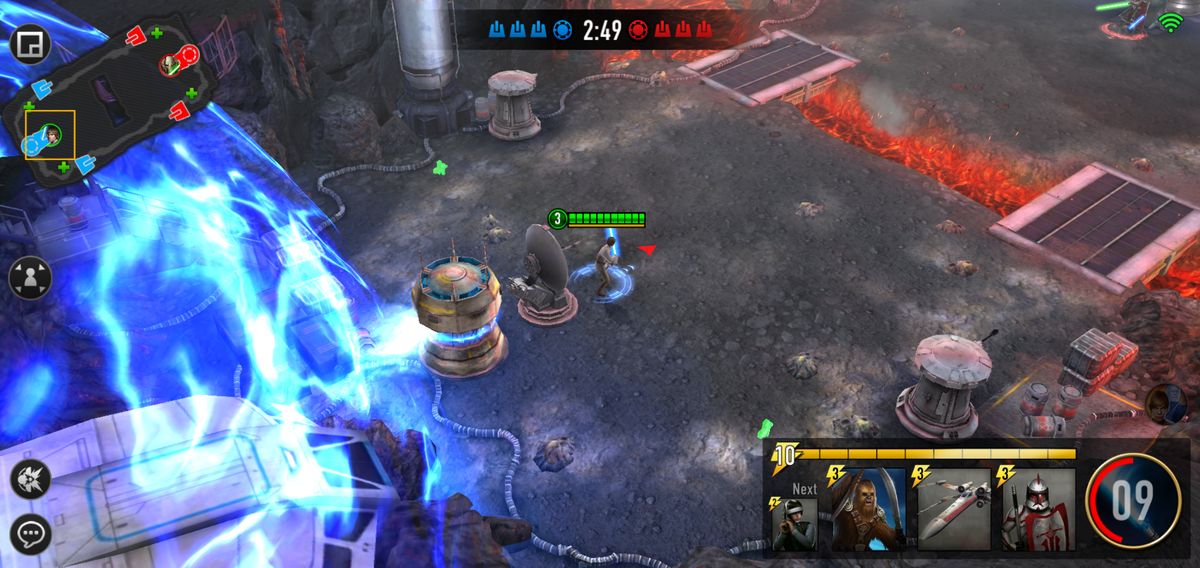
Updating the game
Android
- Download the new APK.
- Open it. Android asks whether to install an update to the existing app: tap Install (or Update).
- Start the game. Your account and game data stay.
Windows
- Download the new installer and run it: it replaces the old version.
- Portable ZIP instead: extract the new ZIP, run the new SWFA64.exe, then delete the old folder.
- Your account stays either way: it is kept in your Windows user profile.
iPhone
- Download the new IPA.
- Install it with Sideloadly exactly like the first time (steps below): it replaces the old version.
- Don't delete the app first. Your account stays.
Android
Install
- Download the APK on your phone (button above).
- Open the downloaded file. If Android asks, allow your browser to install unknown apps (Settings › Apps › your browser › Install unknown apps), then go back and tap Install.
- If Google Play Protect warns about the app, tap More details › Install anyway. The app is not on Google Play, so Play Protect doesn't know it.
- Start the game. The first start downloads about 300 MB of game data: use Wi-Fi.
Needs Android 7.1 or newer, on 64-bit and 32-bit phones. Already have the old Force Arena app? This installs over it and keeps your account.
Brazil, Indonesia, Singapore, Thailand
Since 30 September 2026, Google's developer verification blocks apps from unregistered developers on certified phones in these countries (worldwide in 2027). This app isn't registered, so Android asks you, once, to go through its advanced flow:
- Turn on Developer options (Settings › About phone › tap Build number 7 times).
- In Developer options, follow Android's steps to allow apps from unverified developers. It asks you to restart the phone.
- Wait the 24 hours Android asks for.
- Install the APK as described on the left. Later updates install without this.
Windows
Installer (recommended)
- Download the installer (button above) and open it.
- The installer isn't signed with a paid certificate, so on its first run Windows says "Windows protected your PC" (SmartScreen): click More info › Run anyway.
- Click through the setup. It needs no administrator rights: it installs for your Windows user only, adds Force Arena to the Start menu and the desktop, and can start the game at the end.
- The first start downloads about 400 MB of game data.
To update, run the new installer: it replaces the old version and keeps your account and the downloaded data. To remove the game: Settings › Apps › Installed apps › Force Arena › Uninstall (your account and data stay on the PC).
Portable ZIP
- Download the ZIP (the link under the Windows button).
- Right-click it › Extract All… into a folder of your choice, for example
Documents. - Open the extracted ForceArena folder and run SWFA64.exe.
- If Windows says "Windows protected your PC" (SmartScreen), click More info › Run anyway.
To update, extract the new ZIP the same way and run the new SWFA64.exe: your account and the downloaded data stay, they are kept in your Windows user profile. Then delete the old folder.
Same account on phone and PC
Every install starts with its own account. To play your phone account on the PC (or the other way round), move it with a transfer code, as described below.
Needs 64-bit Windows 10 or 11.
iPhone
Install with Sideloadly
You need an iPhone with iOS 15 or newer, a Windows PC or a Mac, a USB cable and a free Apple ID.
- On the computer, download the iPhone app (the .ipa file, button above).
- Install Sideloadly (free) from sideloadly.io. Windows only: also install iTunes and iCloud from Apple's website (not the Microsoft Store versions).
- Plug the iPhone into the computer. If the iPhone asks "Trust This Computer?", tap Trust.
- Open Sideloadly and drag the .ipa into it.
- Type your Apple ID email and click Start. Enter your password and the code Apple sends you.
- Wait for Done. The app is now on your iPhone.
Allow it on the iPhone (first time only)
- Settings › General › VPN & Device Management › tap your Apple ID › Trust.
- iOS 16 or newer: Settings › Privacy & Security › Developer Mode › On. The iPhone restarts; confirm when it asks. (The switch only appears after the first install. iOS 15 has no Developer Mode: skip this step.)
- Open Force Arena. If iOS asks for a permission (for example notifications or the local network), you can allow it.
"Untrusted Developer" when you open the app? Do step 1. "Developer Mode required"? Do step 2.
Things to know
- With a free Apple ID the app stops opening after 7 days (Apple's limit). Fix: plug in and install it with Sideloadly again. Your account stays.
- A free Apple ID can have at most 3 sideloaded apps at once.
- No computer nearby every week? SideStore can refresh the app on the iPhone itself; setting it up takes longer.
- Before you ever delete the app, make a transfer code (Your account), or you may lose your account.
- Never pay anyone to "sign" the app. You don't need it.
Your account
Updating keeps it
Installing the new app over the old one on the same phone keeps your account. Nothing to do.
Uninstalling the game, or a new phone, starts a new account, unless you made a transfer code first.
Move it with a transfer code
- On the device that has your account: Settings › Support › Coupon. Enter your commander name and the code
TRANSFER. - Your transfer code arrives in your Notices (envelope icon, Notice tab). It works once, for 24 hours.
- On the new device: start the game until you reach the lobby, open the Coupon screen there and enter the new device's commander name and the transfer code. The game restarts with your account.
Never share a transfer code: whoever has it can take your account.
Checksums
To check a download: on Windows, certutil -hashfile <file> SHA256 in a command prompt; on Linux or macOS, sha256sum <file>. The result must match the SHA-256 below (also in SHA256SUMS).
| File | Size | SHA-256 |
|---|---|---|
| force-arena-4.0.9-android.apk | 117 MB | b037e65af57d836f2da644737fa54c0e5710fde89bd17b97fc2cade2f1933939 |
| force-arena-4.0.9-windows-setup.exe | 53 MB | 1d947c5878f5261b9a47fad4a48d9333a5c68c8980ebf931c1a0c2e15959768c |
| force-arena-4.0.9-windows.zip | 73 MB | b6ce1b1d42a21915ef0844fb3164b0a1a364fe68680b7768fe4e8fb582635134 |
| force-arena-4.0.9-ios.ipa | 62 MB | df1f50e10de299e4904d3c85d43d51cdbd6a33dbf4a690665ccb6047b663a60a |
Community
Join the other players on Discord: news, help, and people to play with.